Games, lessons and polls
the whole room plays together.
An animated preview of Decka: a game on a big screen, and the phone a player joins it from.
What's inside
Not another poll.Made for your room.
Decka has 76 things to play. Polls, word clouds, Q&A and reactions are 5 of them. Meet the other 71.


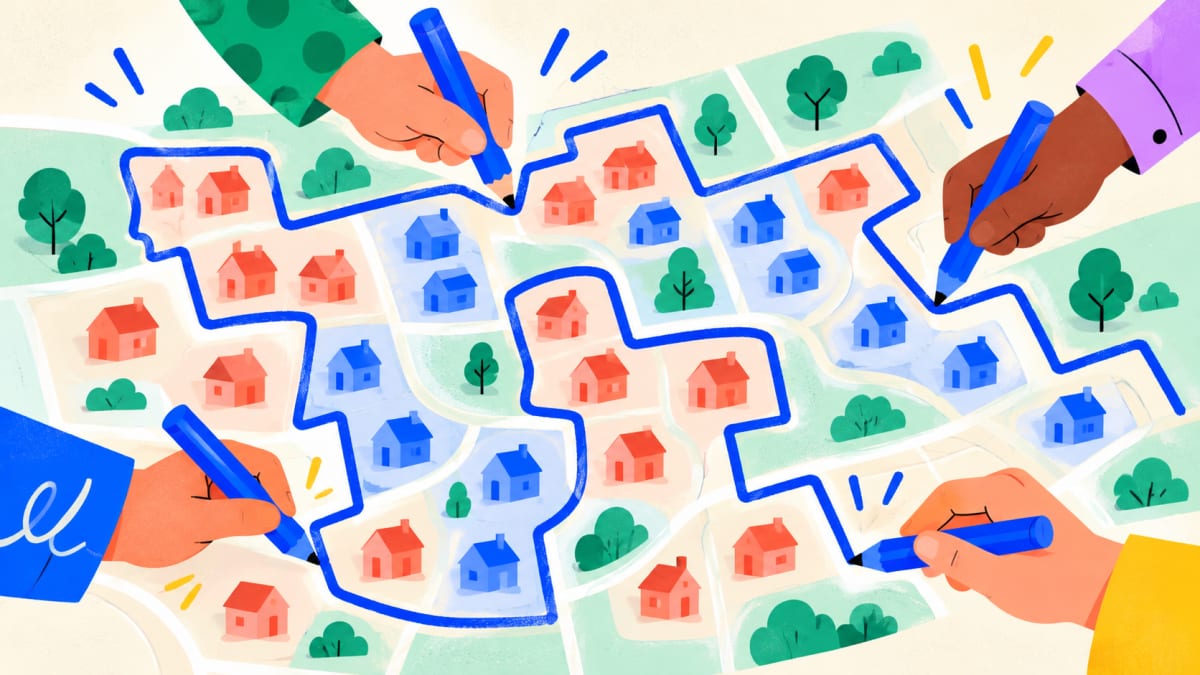 Lesson · Politics & civics
Draw the districts
Draw voting districts, then compare who wins.
20–30 minAny size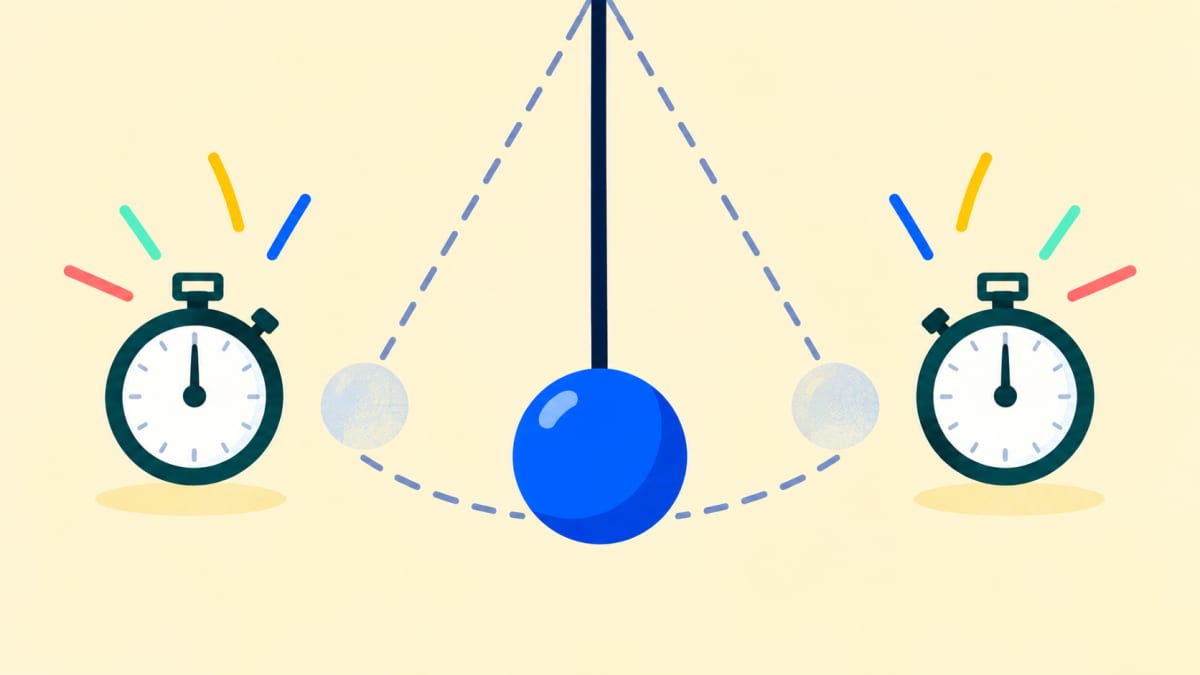 Lesson · Physics
One pendulum, everybody's stopwatch
Time a pendulum and compare the room's readings.
20–30 minAny size
 Lesson · Game Theory
Prisoner's dilemma — two suspects, separate rooms
Pairs choose to stay silent or talk.
30 minPairs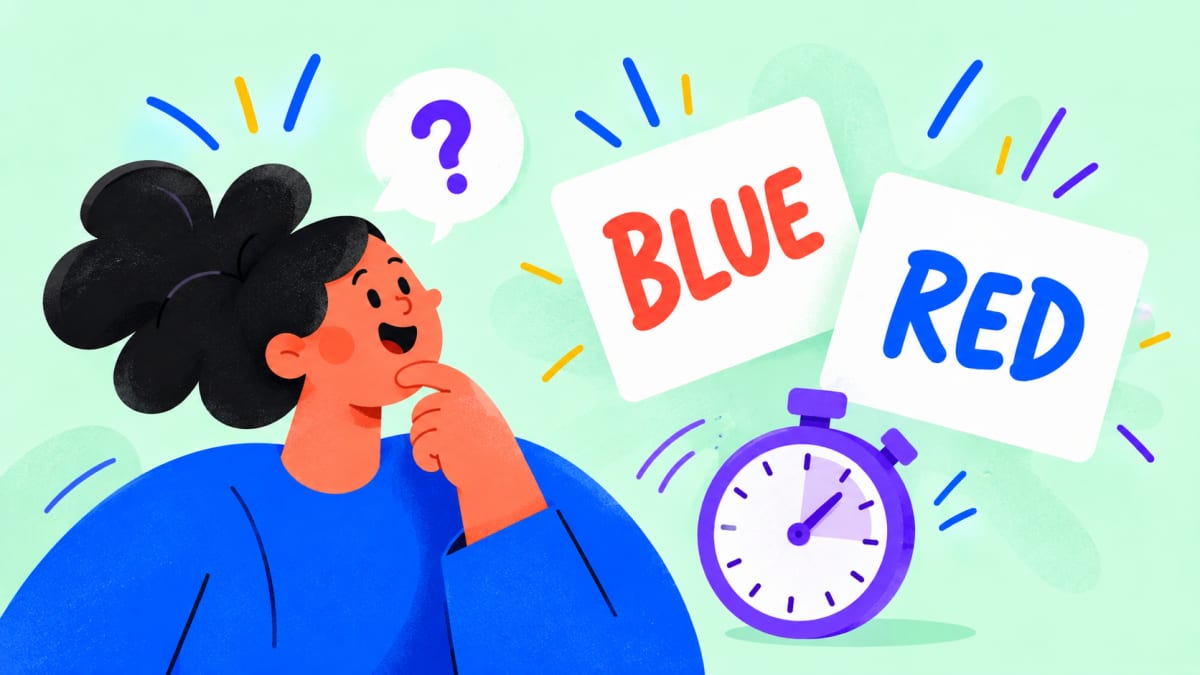
 Lesson · Computer science & AI
One Tuesday's messages
Answer ten messages twice, then spot the scams.
25–30 minAny size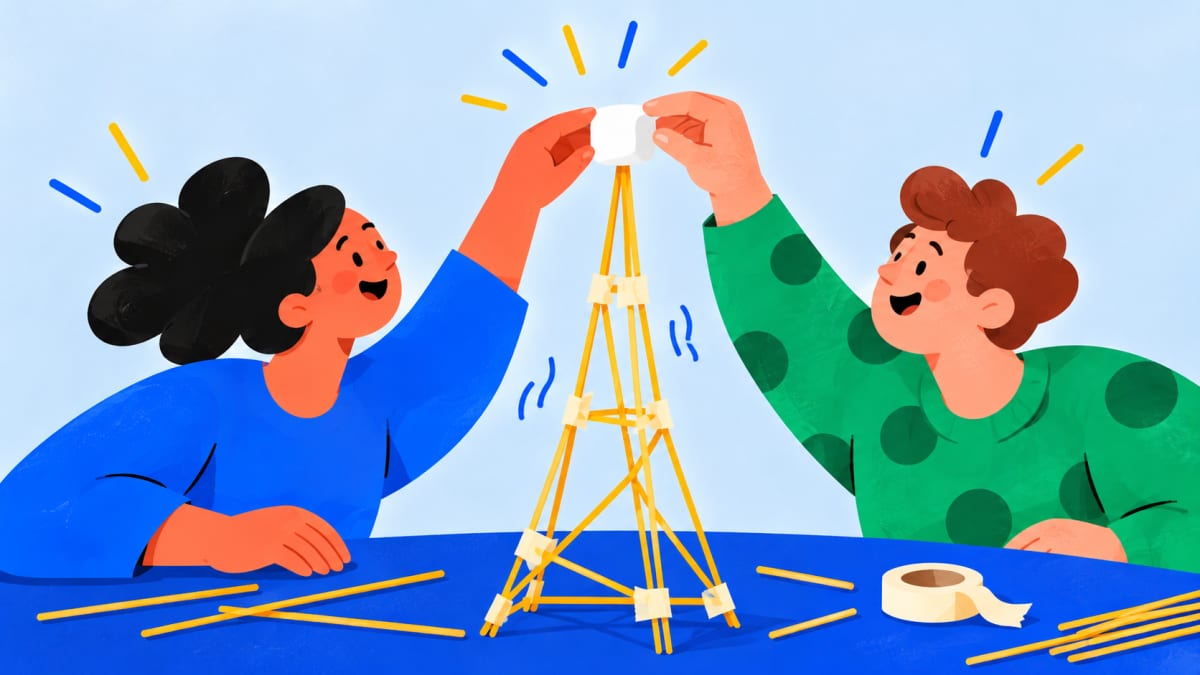 Lesson · Business & management
The marshmallow challenge
Build a spaghetti tower; log every test.
40 minGroups of 4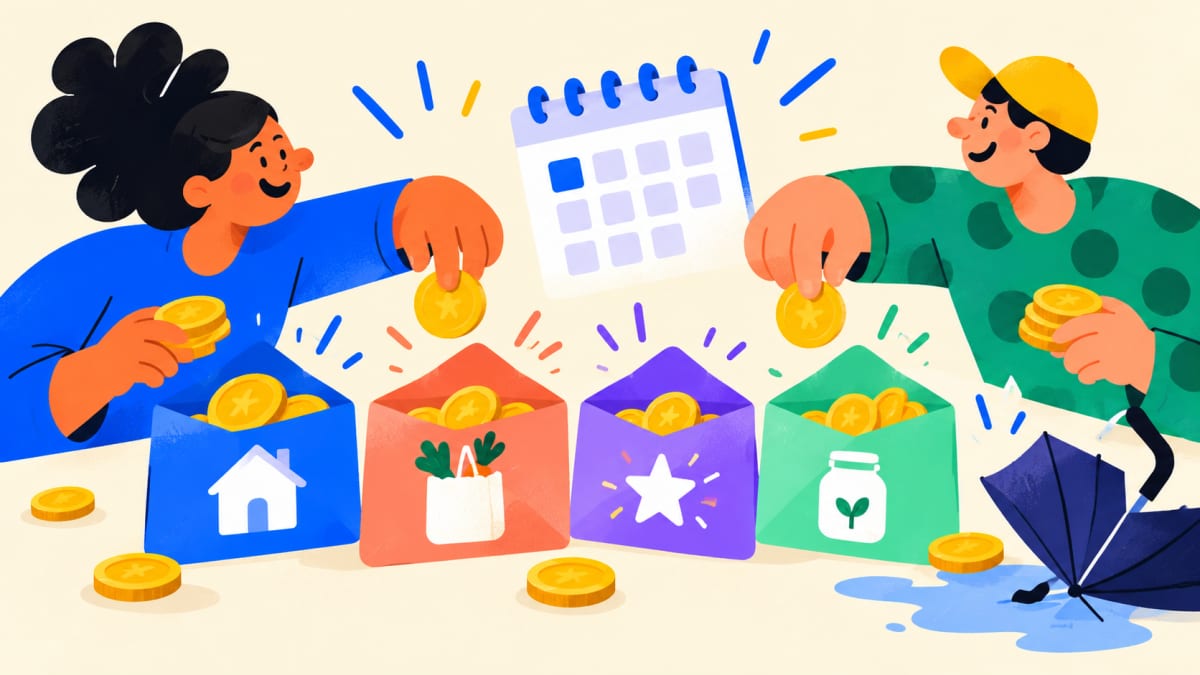





- Decka Slides only




Decka Studio
Can't find it? Describe it.
Tell Decka Studio what your room needs in a sentence. It builds a new game or activity from scratch: the rules, the big screen and every player's phone.
An animated preview of Decka Studio: a sentence is typed, Studio builds a game from it, and the game, Kart Rally, plays on a big screen.

You describe it
One sentence is enough to start.
Studio builds it
It writes the rules, draws both screens, then plays it with test players.
Your room plays it
Everyone joins with one scan and plays from their own phone.
Kart Rally was made in Decka Studio. The build is shortened here; the race is a recording of the real game.
Not sure what to ask for? Studio starts you with ideas like these.
Decka Studio is part of the Creator plan. See pricing
How a session runs
One scan. The whole session.
Your audience joins once and stays with you, from the first activity to the last.
One audience phone beside the presenter's big screen. The screen shows a live poll with its QR code; the phone's camera, pointed at the slide, scans it, the browser opens on Decka's join page, and she joins with just her name. She picks “Too fast” on her phone and that bar grows on the big screen. The presenter moves to the next slide, a word cloud with a new join code, and the same phone follows on its own without scanning again; she types a word and it appears in the cloud. The deck moves on to a quiz, with yet another code; the phone is already waiting, she answers when it starts, and her score shows on her phone as the leaderboard is revealed on the screen. A card under the phone counts one scan and three activities.
Scan once — no app, no account
The room scans the code on your slide and joins with just a name.
Everyone plays on their own phone
Answers land on your slide as they come in.
Next activity, same phone
Move your deck on and every phone follows. Nobody scans twice.
Polls, quizzes and word clouds keep their report.
See what a report holdsWorks where you present
Your slides. More interactive.
Keep the deck you have. Add the activity to the slide where it belongs — in PowerPoint, Google Slides or Decka — and the room plays it right there.
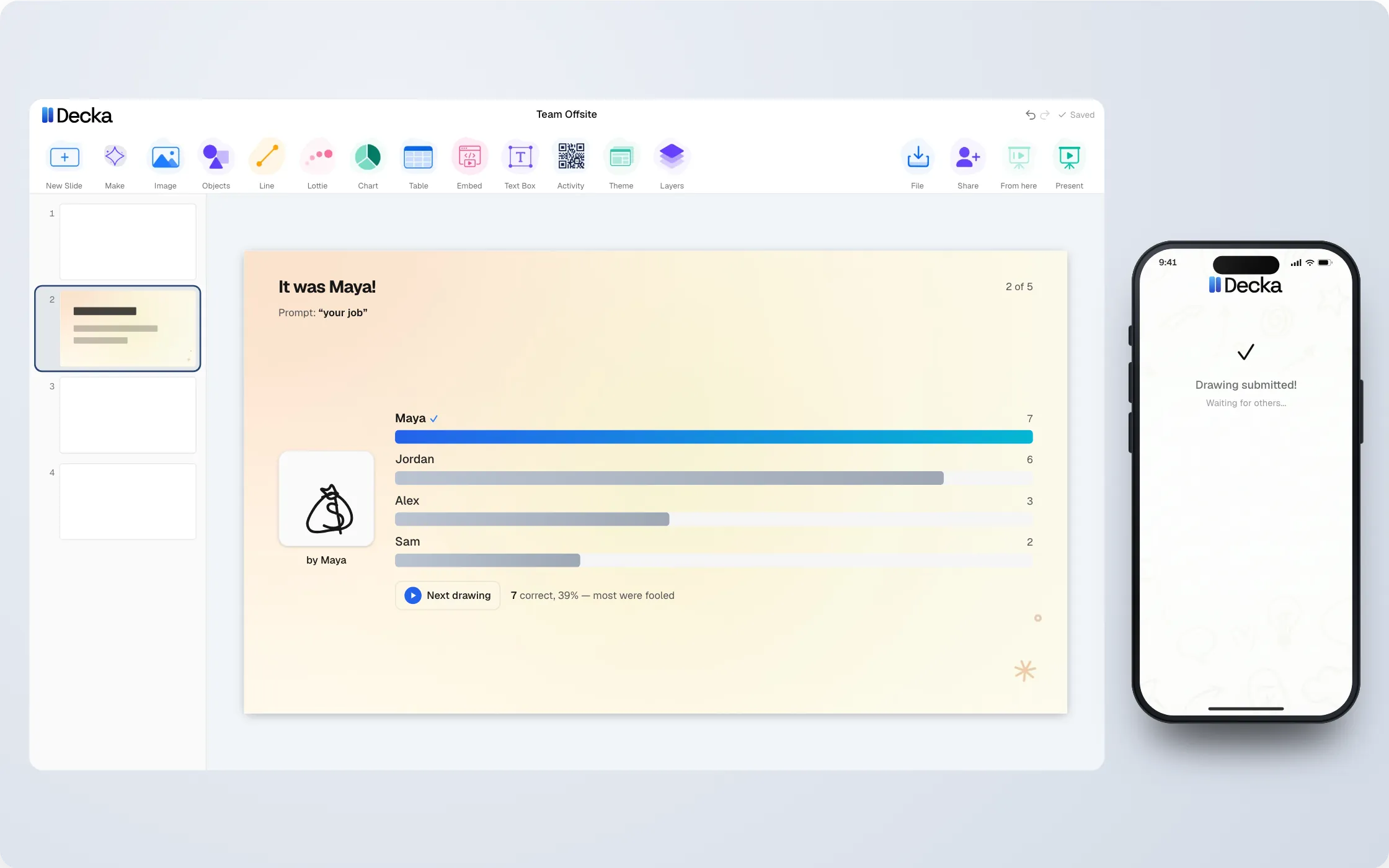
Guess the Doodler running live on a slide. The same activity is shown inside Decka, Google Slides and PowerPoint — use the buttons to change which application is drawn around it; the activity itself keeps playing.
For educators
Teach concepts. By letting students experience them.
Ready-made lessons in game theory, economics, finance, physics, politics & civics, computer science & AI, psychology, business & management and biology. Students play from their phones; the debrief runs on the room's own results.









Recorded runs of the real lessons, with fictional students.
All lessons by subject
Game Theory
- Prisoner's dilemma — two suspects, separate rooms
- Twenty coins, take it or leave it
- Chicken — four seconds on a single-track lane
- The stag hunt — one day, two ways to spend it
- Battle of the sexes — one evening, two plans
- Ten rounds in the pot
- Rock, paper, scissors — two rivals and a contract
- Matching pennies — the game where you want opposite things
- Don't take the last coin
- Hawk-dove game: fight or share
- Schelling point: meet me in the city
Economics
- Closing time at the market
- You are the market
- Who really pays a tax?
- Two factories, one market, and the price you both set
- Two sellers, identical crates, and whoever is cheapest takes the lot
- One of you builds the factory first
- Send it and see what comes back
- Ten coins and nobody can stop you
- One lot, and the best loser sets the price
- Spend the neighbourhood fund
- Four boats and a bay that belongs to nobody
- What is a flat worth to you?
- Three cars on one forecourt
- Tenants and landlords
- Ten days at the lemonade stand
- Steer the economy
- Bank run: withdraw now or wait?
Physics
Politics & civics
Computer science & AI
Business & management
Biology
The editor
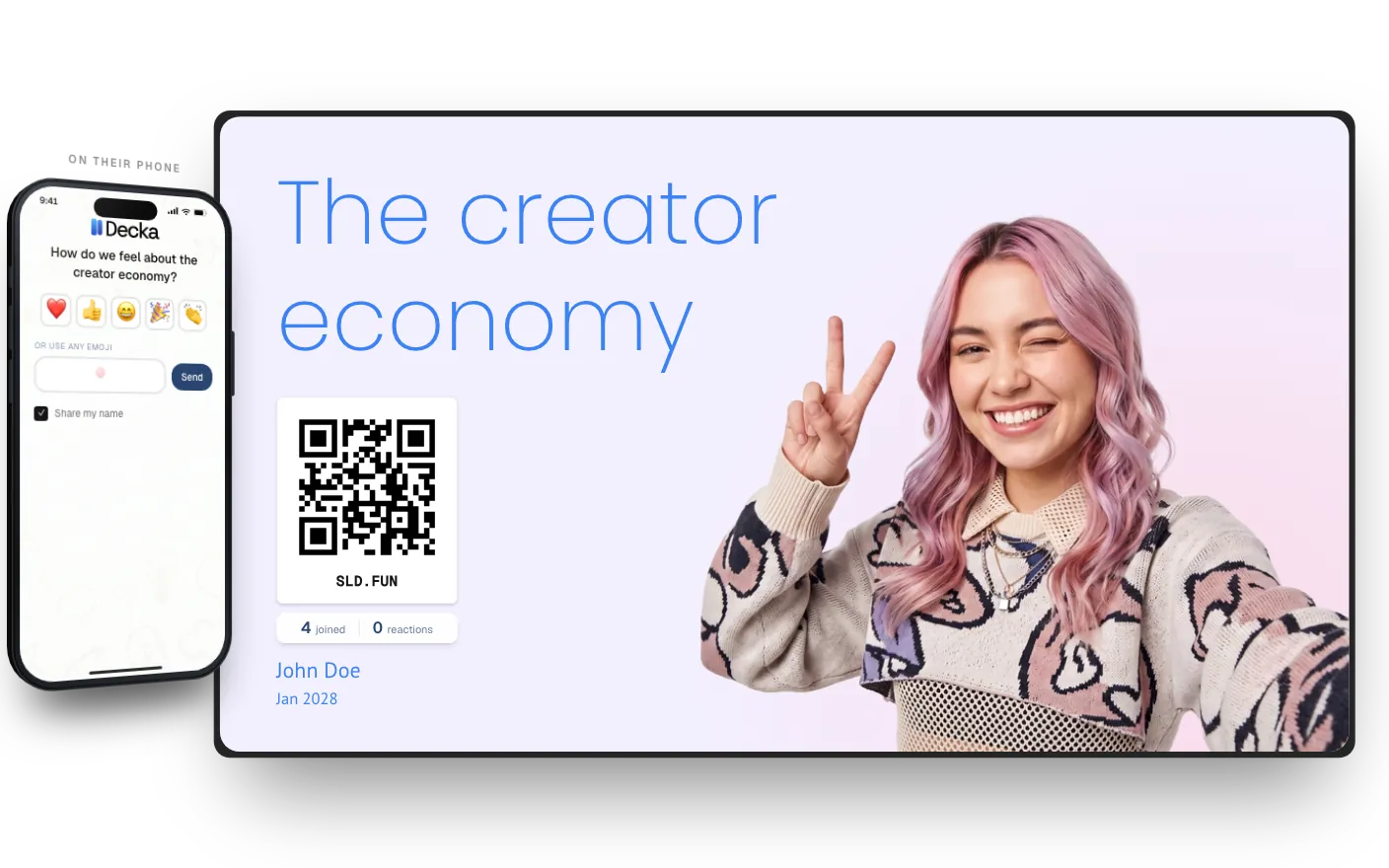
And a full presentation editor, when you need one.
Themes, charts, image frames, video, presenter mode — and an AI presentation maker that drafts the first deck for you.
- AI Presentation MakerA complete first draft, made of real slides
- Presentation ThemesChange the whole deck in real time
- Advanced ChartsEditable data, expressive visual stories
- Presenter Mode & Activity RemotePresent decks and run live activities
- Collaboration & SharingEdit live, invite teammates, or publish
What do you want the room to do?
Say it in a sentence and start free. The activities that fit will be waiting for you.